
2026-05-19
News
Making voice-to-voice communication natural and interruption-free in practical care settings.
When you're in the middle of a procedure or assisting a patient, the last thing you want to do is fumble with a phone. We’ve heard from so many of you that while translation is vital, the physical act of tapping a screen back and forth can break the flow of care. That’s why we’re rolling out Hands-free mode – a way to keep the conversation moving without ever lifting a finger.
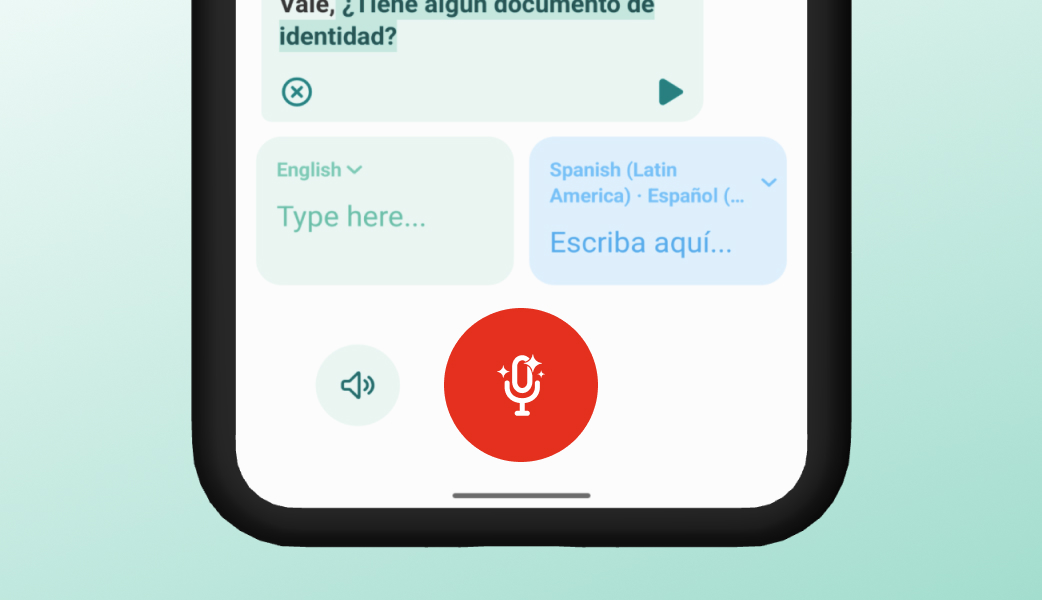
In Live Translate, Hands-free mode allows the app to automatically listen, translate, and play the translation aloud. Instead of needing to manually tap the screen every time someone speaks, the app does the heavy lifting for you, letting both people converse more naturally in turn.
While Live Translate is already a powerful tool for crossing language barriers, Hands-free mode is specifically optimized for situations where you can't be tethered to your device. It’s an essential tool for:
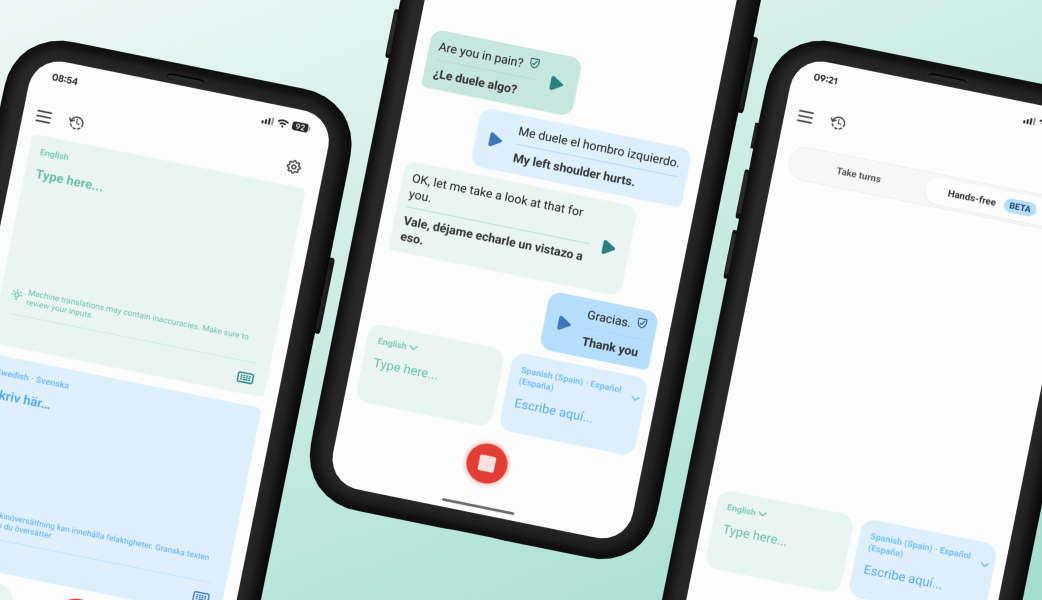
Hands-free mode is currently available for Premium users, as well as an opt-in feature for existing Team and Enterprise customers. Interested in testing it out? Download the app and start a Premium subscription, or reach out to us and we’ll help your organzation get started.