Checklist and materials to get started with Care to Translate in your organization.
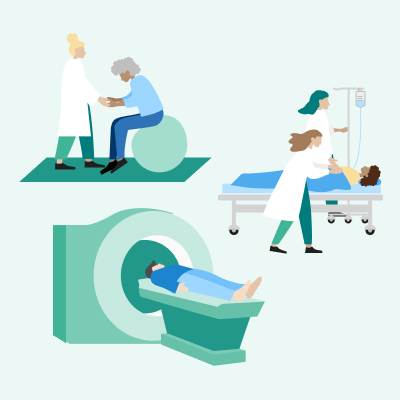
Confirm which departments are included in the rollout of the app (e.g., ER, maternity care, outpatient clinics).
Assign a project lead and Care to Translate contact. For bigger deployments, also assign super users with access to the Portal.
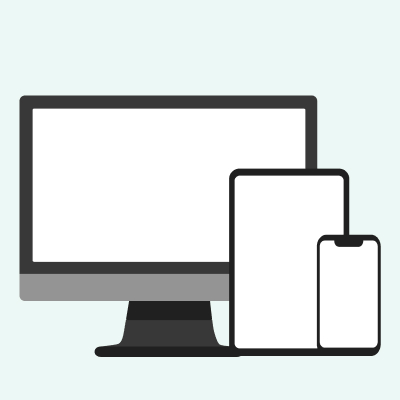
Make sure the app is downloaded onto devices included in the rollout (especially important if handled centrally).
You can find the app on App Store or Google Play, or use it on desktop.
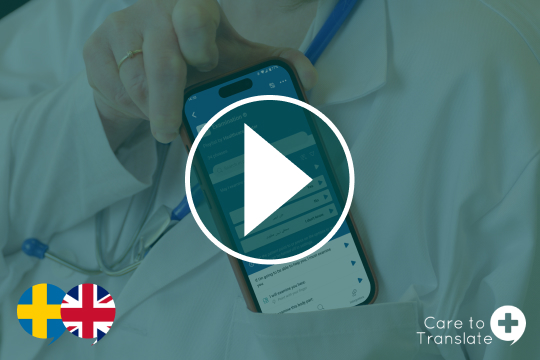
Plan for a short kickoff session for the staff (15-30 min). For smaller deployments – use onboarding videos.
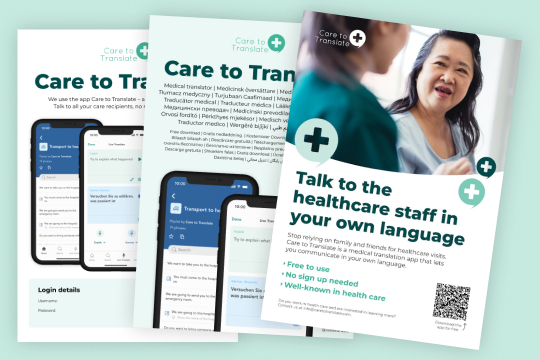
Post in the break room, on the intranet, or in other shared spaces, with login details to the app for easy access.
staff

staff
staff
staff
staff

staff & care recipients
Using machine translation is easy, but using it critically requires thought. Learn more about how machine translation works, and become an educated user.
To the guide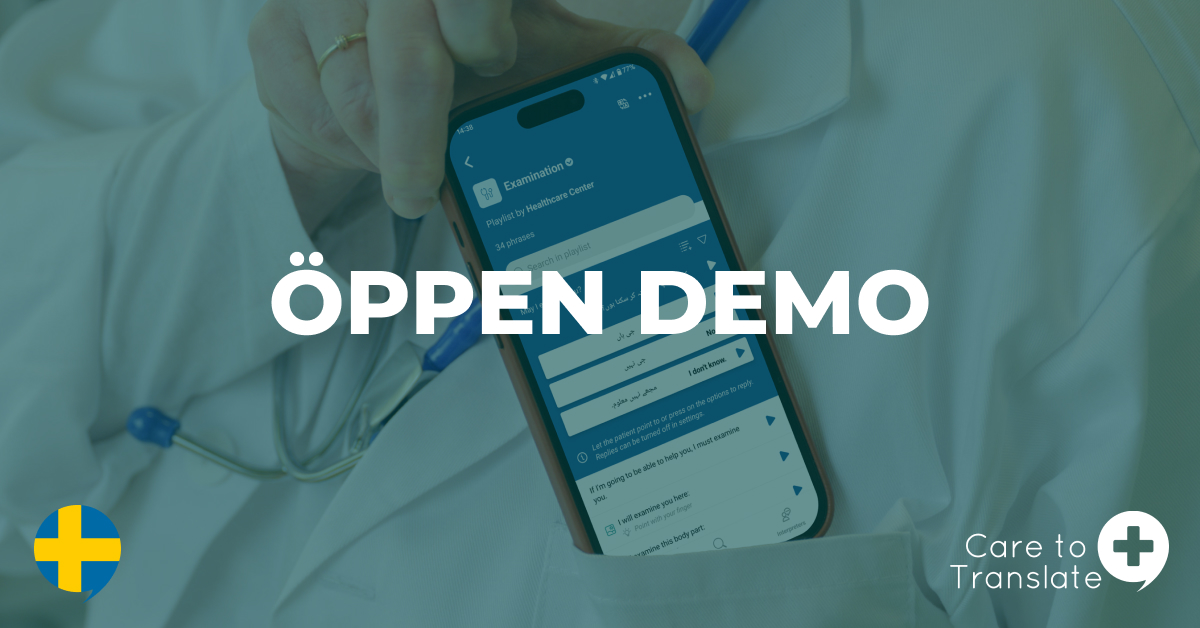
Behöver du en genomgång av Care to Translate? Välkommen till denna öppna demo där du får möjlighet att fräscha upp dina kunskaper.
Read more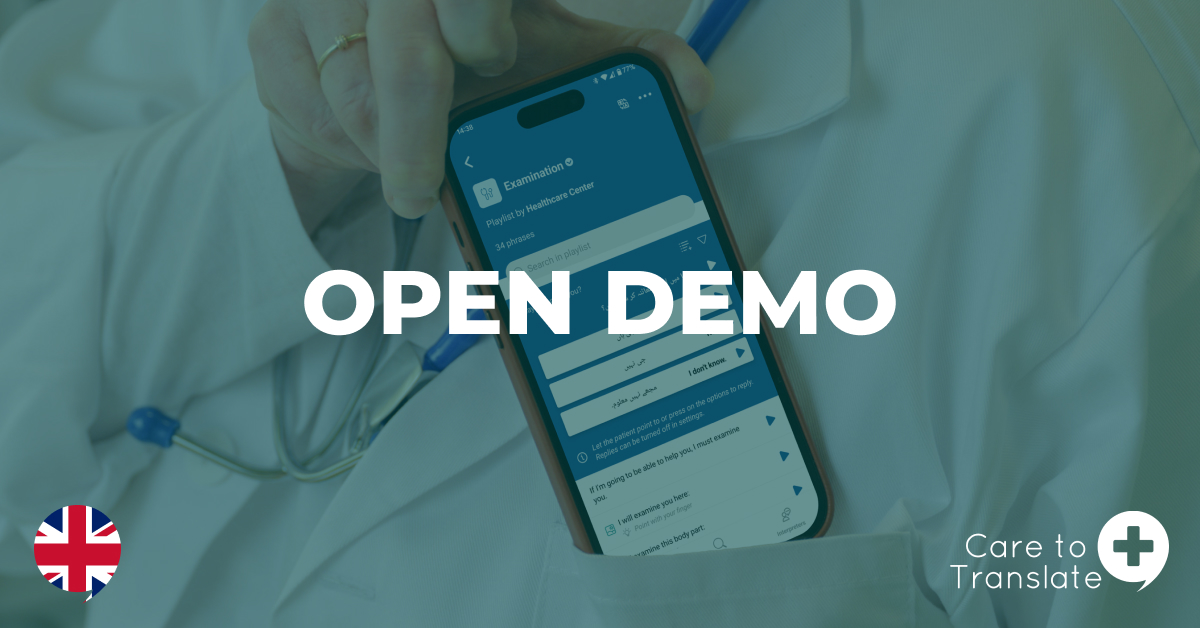
Need a recap of Care to Translate? Welcome to this open demo where you will have the opportunity to freshen up your knowledge.
Read moreNeed a recap of Care to Translate? Welcome to this open demo where you will have the opportunity to freshen up your knowledge.
Read moreDoes your department have an Instagram account, a waiting room, or other spaces where you communicate with patients? Let them know the app is available to use.
3-6 weeks post launch
A dedicated Customer Success Manager, kickoff sessions for your team, regular check-ins, and one-on-one training for super users are just some of the implementation support services we offer. Get in touch for a tailored quote.
Contact usHow does the app work?
Healthcare providers can communicate using either verified phrases or real-time AI. Using the phrase library, you simply click a phrase to have it spoken and displayed to the care recipient, who can respond via buttons or gestures. For freer dialogue, Live Translate converts speech to text and audio in real-time. To ensure safety, Live Translate features reverse translation to check accuracy and verified translation match to identify already validated phrases. All activity across the entire app is saved in your translation history (if you have that feature toggled) for easy review.
How does the app work for me as care recipient?
By using Care to Translate, you can actively participate in your care. Use verified phrases to describe symptoms and personal needs, provide information (for example about medications), or ask questions. For freer dialogue, Live Translate allows you to speak naturally in your own language while the healthcare professional responds via speech or text.
Can you speak into the app?
It depends. The phrase library is built on phrases that are already formulated, have been translated into different languages and can be visible in text and played in audio in the app. Live Translate, the real-time AI translation feature, however, allows for speech-to-speech translation. But remember, its output is not pre-validated.
Does the app translate medical documents?
Not currently. Care to Translate is specifically optimized for real-time verbal communication and point-of-care interactions. However, we are continuously expanding our features based on user feedback. For a look at our development roadmap and what’s coming next, please visit our product news page.
How can I use the app when speaking to care recipients who are hard of hearing?
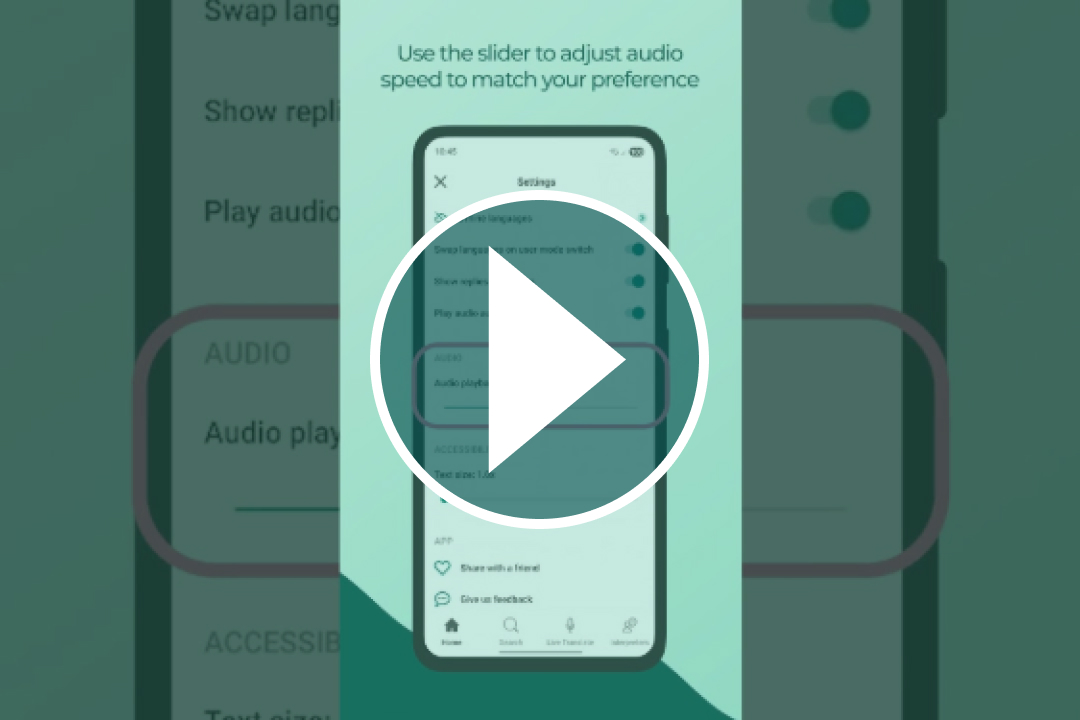
To support communication, you can show the care recipient the written translation directly on the screen. To ensure it is easy to read, you can increase the text size within the app settings. Additionally, you can use the image support feature to provide visual context. If you share the same native language, use the dictation feature to transcribe your speech into text in real-time, making it easier for them to follow the conversation.
Does the app translate in real time?
Yes, the app includes an optional real-time translation feature, available as an alternative to the phrase library. While the library phrases are manually translated and thoroughly verified for medical, contextual, and cultural accuracy, the real-time translation relies on machine translation and AI, and its output is not pre-validated.
When can I use Care to Translate?
Care to Translate serves as a 24/7 complement to human interpreters, bridging communication gaps whenever a professional translator is unavailable or impractical. It is particularly valuable for immediate needs – such as at reception desks or during critical emergencies in ambulances and ERs – where there is no time to wait. The app also supports standardized and preventative care scenarios, such as radiology scans, mammography screenings, and vaccinations, ensuring safe and clear communication throughout the entire patient journey.